education guide
What Is a Dieline?
What is a dieline? It's the flat, scaled template showing where packaging is cut, folded, and printed — line types, file formats, and mistakes to avoid.
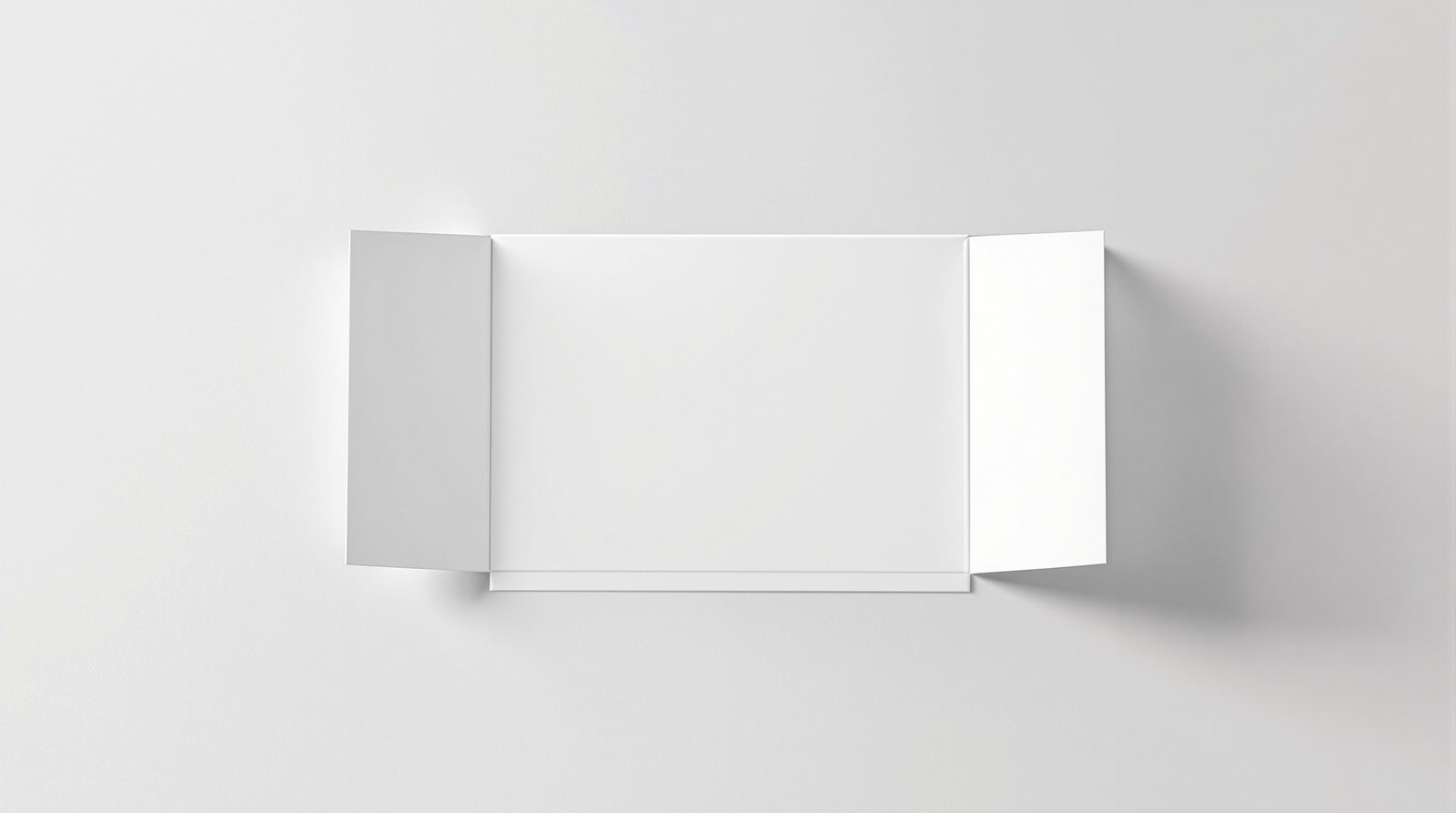
A dieline is the flat, two-dimensional template that shows exactly how a piece of packaging gets cut, folded, and printed before it becomes a three-dimensional box, bag, or carton. Every custom package — from a folding carton to a rigid gift box — starts as a packaging dieline: a technical drawing, built to scale, that separates the artwork from the structure so a printer knows where to cut and a converter knows where to fold. That's true whether the run is a handful of custom boxes for a single SKU or a full custom packaging program across a product line — the dieline comes first either way.
A dieline uses a standard set of line types to communicate that information at a glance:
- Cut line — a solid line marking every edge the blade or laser will cut all the way through.
- Crease/fold line — a dashed line marking where the board gets scored so it folds cleanly instead of cracking.
- Bleed line — a line set outside the cut line (typically 1/8 inch) that tells the printer how far to extend artwork so there's no white edge after trimming.
- Safety line — an inset margin that keeps logos, text, and other critical elements clear of the cut and fold zones, where they'd otherwise get trimmed off or distorted in a fold.
Everything downstream — proofing, die-making, and production — traces back to that one flat drawing.
Line Types, in Practice
The four lines above aren't just drafting convention; they're the difference between artwork that prints correctly and artwork that comes back with a logo cut in half. Cut and crease lines define the structure — they're what a die-cutting press physically does to the sheet. Bleed and safety lines exist entirely for the artwork: bleed protects against trim drift (no press cuts in exactly the same spot twice), and the safety margin protects anything you don't want sitting on a fold or within a hair of an edge. On packaging with a lot of panels — a shipper with tuck flaps, or a display with multiple score lines — it's common to also see perforation lines (for tear strips) and glue-flap indicators layered onto the same file.
File Formats and Design Software
Dielines are built and delivered as vector files, not flatmapped raster images, because a package has to scale, mirror, and nest with other pieces on a press sheet without losing precision. The standard formats are Adobe Illustrator (AI), EPS, and PDF, with DXF used when a file needs to move into a CAD or die-cutting system directly. A production-ready dieline is drawn at 1:1 scale, with cut, crease, bleed, and safety lines on separate, clearly labeled layers, and text converted to outlines so the file doesn't break if it opens on a machine without the original font installed. Adobe Illustrator remains the design software most print shops build around, since its layer structure keeps each of those line types on its own labeled layer instead of flattening them into a single unlabeled path; some studios work in other vector design software and export to AI or EPS before handoff, but the layer discipline matters more than which application produced the file.
Creating Dielines for Custom Packaging and Custom Boxes
Creating dielines from scratch starts with the product, not the software. Whoever's building one for a new custom package measures the physical dimensions first — length, width, depth, wall or board thickness — then builds the flat pattern in Adobe Illustrator or an equivalent CAD tool so the cut lines, crease lines, and bleed lines all line up against those real-world numbers instead of a generic stock size. That's the difference between a dieline for one custom packaging SKU and a template reused across a whole custom boxes catalog: the first is measured, the second is guessed, and guessed dimensions are where most of the mistakes below start.
How a Dieline Becomes a Die
The dieline is the design; the die is the physical tool. Once a dieline is finalized, it's used to lay out a steel rule die — thin strips of hardened steel bent to match the cut lines and mounted into a plywood or laser-cut base, with rubber positioned around them to eject the sheet after each strike. For shorter runs or rapid prototypes, that same file can drive a digital or laser cutter instead, skipping the physical tooling step entirely. Either way, the die only cuts what the dieline told it to cut, which is why an error in the flat file — a fraction of a millimeter off on a fold, a bleed that's too tight — shows up in every single unit that comes off the press. That whole sequence — dieline to steel rule to finished piece — is the die cutting process in miniature, and it's why every die cut edge on a finished box traces back to a line someone drew and measured long before the press ever ran. A worn or poorly matched die leaves a ragged edge even from a perfect dieline, which is one more reason we cut it ourselves and hold the die between runs rather than routing the job through an outside converter.
If you're starting from a blank slate rather than an existing structure, that's a packaging design exercise as much as a technical one — the dieline and the structural concept usually get developed together, not handed off in sequence.
Common Dieline Mistakes
Most dieline problems trace back to a handful of recurring issues:
- Missing or insufficient bleed, leaving a thin white line at trimmed edges.
- Artwork too close to a fold or cut line, so text or logos get distorted or clipped.
- No allowance for board or material thickness, which throws off fit on anything with a lid, sleeve, or nested component.
- Wrong scale or units, especially when a template gets resized in a page-layout program instead of the original vector file.
- Live fonts instead of outlines, which can reflow or substitute when the file changes hands.
- Reused stock templates that don't actually match the product's real dimensions, which is often the root cause of a box that's too loose, too tight, or wastes board (and shipping cost) on unnecessary void space.
- Ignoring how the die cut will actually perform on your board — a cut line that looks clean on screen can still tear or leave whiskers on a heavier or coated stock once it hits the die cutting process, which is why a physical die cut sample matters more than a digital proof alone.
Catching these on screen is far cheaper than catching them after a die is cut or a run is printed — true whether you're checking one carton in Adobe Illustrator or a full line of custom boxes before a press date.
Dieline to Prototype
A dieline on a screen and a package in your hand are two different things, which is why the next step after finalizing a dieline is almost always a physical sample. That sample confirms the fold logic works, the closure seats correctly, and the artwork lands where it's supposed to — details a flat proof can't show. Our packaging prototypes process starts from the approved dieline for exactly this reason: catching a structural issue on a hand-built sample is a same-week fix, while catching it after tooling is cut is a costly one. A prototype is also the fastest way to catch problems with cut lines or bleed lines that the flat file didn't show — the same die cutting logic, applied one step earlier, before a full production run gets committed.
Dieline FAQ
Is a dieline the same thing as a die? No. A dieline is the flat digital drawing; a die is the physical steel-rule or laser-cut tool built from that drawing. The dieline is design and engineering; the die is the tool that turns it into a repeatable cut on a press.
Do I need to supply my own dieline to get a quote? Not necessarily. If you have an existing package you're matching or updating, sending its dieline speeds things up, but plenty of projects start from a product's dimensions and a blank sheet instead — the dieline gets built as part of the design process.
Can I use a free template dieline I found online? You can as a rough starting point, but a stock template is built to generic dimensions, not your product's actual size, board thickness, or closure style. Treat it as a reference, not a production-ready file — it should still be checked and adjusted against your real specs before it goes anywhere near a press.
What is a dieline compared to a die cut sample? A dieline is the flat file; a die cut sample is the physical result of running that file through a die. Requesting a die cut sample before a full production run confirms the cut lines, fold lines, and bleed lines all behave the way the flat file promised on your actual board or stock, not just on screen.
Does the dieline still get used once a product is in production? It doesn't get retired. The approved dieline stays on file as the reference for every reorder, so a reprint or a new colorway pulls the exact same cut lines and fold geometry instead of getting redrawn and re-approved from zero.